Prepare your Veer Game support request
Explain whether the issue concerns login, registration, a game record, a recharge or a withdrawal. Include the exact error or the relevant reference, amount and time. Use the support option available through your established account.
Keep private details out
Do not share passwords, OTPs, UPI PINs or remote access to your device. Trendz Collab handles article corrections and website questions, not player accounts or payments. Email trendzcollab08@gmail.com for a website correction.
Choose the subject before writing
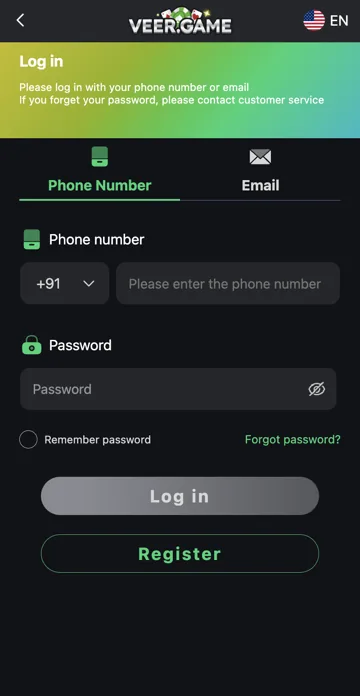
For login, include the sign-in option and exact error; for recharge, include the deposit order and payment reference; for withdrawal, include the request reference and current status; for a game, include its full name and round identifier. Avoid sending a large unrelated collection of private records.
A short request template
Write: “I need help with [issue]. The reference is [reference], the amount is [amount, if relevant], and the action was at [time]. The account says [exact status], but I expected [specific difference]. Please check that record.” Send it through the platform’s established support route. Do not include passwords, OTPs, payment PINs or wallet recovery words.
Related account help
Need more help?
Read the related articles below for more Veer Game account help. For a website correction, email trendzcollab08@gmail.com with the page address and a short explanation. Do not include passwords, verification codes or bank details.
External account access
These buttons open the external platform. Trendz Collab does not manage your account.

Written by Vacky
Vacky is a Trendz Collab writer with 10 years of content-writing experience. His topics include Veer Game login, registration, the app and game categories. Read our editorial approach.