Check the full website address
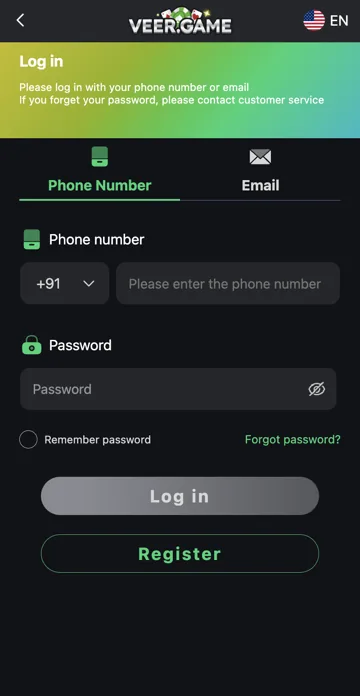
Read the complete hostname before entering your Veer Game login details. A matching logo and a secure-connection padlock do not establish who operates a website. Treat an unexpected redirect or a new address in a message as a reason to check again.
Protect account access
Do not share passwords, OTPs or recovery codes with someone offering to repair an account. Trendz Collab is an independent publisher and cannot change the external platform’s account records. Use a support channel you can verify through your existing account.
Understand the address before entering details
A web address has a hostname and may also have a path or a section after #. The hostname identifies the destination; a familiar game name elsewhere in the address does not. Read it from the browser address bar, not just from the visible text of a message.
What to do after an unexpected redirect
Stop before entering a password if an established account link redirects to a destination you do not recognise. Confirm it through a support route already associated with your account. Do not trust a new caller simply because they know the game name, an earlier deposit amount or your public profile name.
Related account help
Need more help?
Read the related articles below for more Veer Game account help. For a website correction, email trendzcollab08@gmail.com with the page address and a short explanation. Do not include passwords, verification codes or bank details.
External account access
These buttons open the external platform. Trendz Collab does not manage your account.

Written by Vacky
Vacky is a Trendz Collab writer with 10 years of content-writing experience. His topics include Veer Game login, registration, the app and game categories. Read our editorial approach.