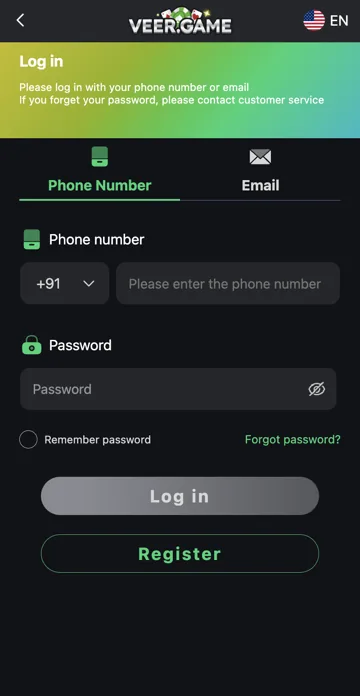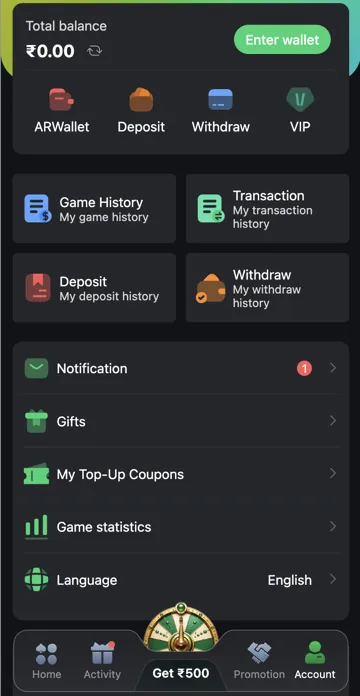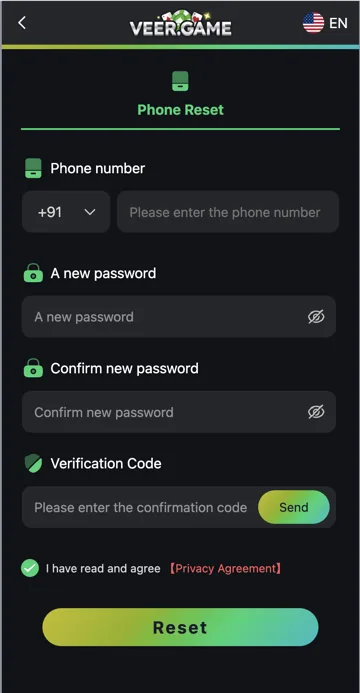
Recover account access
Start with Forgot Password if you still control the registered contact details. If the number or email is unavailable, contact the platform through an established recovery route and explain the issue.
Prepare useful information
Keep a masked account identifier, the exact error and the time the problem started. Provide only the details needed through the verified support channel. Do not send passwords, OTPs or identity documents to Trendz Collab; this publisher cannot recover a gaming account.
Forgot password versus lost contact access
Forgot password is useful when you still control the registered contact and can complete verification. If the phone or email is no longer accessible, explain that different problem to support. Trying a new number in Phone Reset does not automatically change the original account’s registered number.
Organise an account-recovery request
State the problem, when it started and the last action you could complete. Keep a masked account identifier and any relevant error. Avoid including unrelated payment screenshots full of private details. Ask for the established recovery procedure rather than sending identity documents to an unsolicited chat account.
Related account help
Need more help?
Read the related articles below for more Veer Game account help. For a website correction, email trendzcollab08@gmail.com with the page address and a short explanation. Do not include passwords, verification codes or bank details.
External account access
These buttons open the external platform. Trendz Collab does not manage your account.

Written by Vacky
Vacky is a Trendz Collab writer with 10 years of content-writing experience. His topics include Veer Game login, registration, the app and game categories. Read our editorial approach.