Protect your Veer Game account
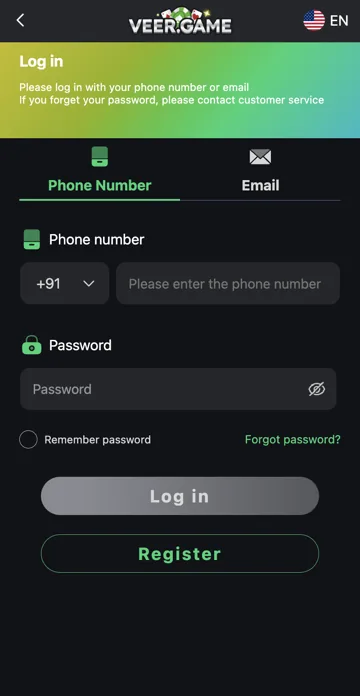
Use a unique password and keep control of the registered phone or email. Check the full address before signing in. Avoid saving passwords on shared devices and log out when you finish.
Unexpected requests
Do not share passwords, OTPs, UPI PINs or recovery codes. Avoid installing remote-control software for an unknown helper. If you suspect account access has been compromised, change the password through an established account route and review recent records.
Review saved access after a change
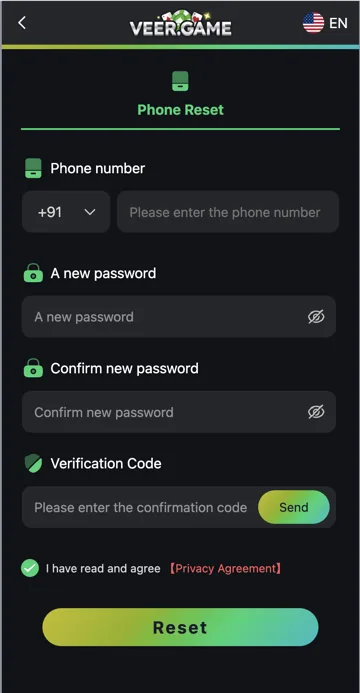
After a password reset, update any saved password and sign out of shared devices where you can. Keep the registered phone or email secure because access to that contact can matter for recovery. Do not leave the password visible while another person is looking at the device.
Payment and wallet secrets
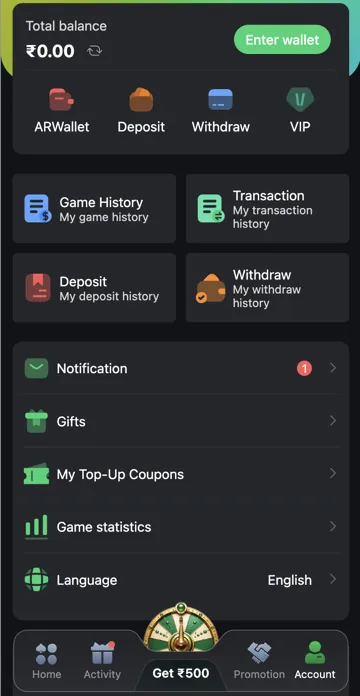
A deposit reference can help trace a transaction; a UPI PIN authorises a payment and should remain private. A wallet address can identify a destination; a private key or seed phrase controls funds and should never be shared. Know which type of information is being requested before sending it.
Related account help
Need more help?
Read the related articles below for more Veer Game account help. For a website correction, email trendzcollab08@gmail.com with the page address and a short explanation. Do not include passwords, verification codes or bank details.
External account access
These buttons open the external platform. Trendz Collab does not manage your account.

Written by Vacky
Vacky is a Trendz Collab writer with 10 years of content-writing experience. His topics include Veer Game login, registration, the app and game categories. Read our editorial approach.