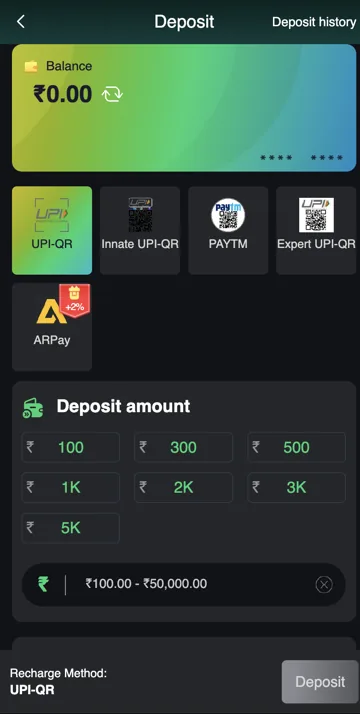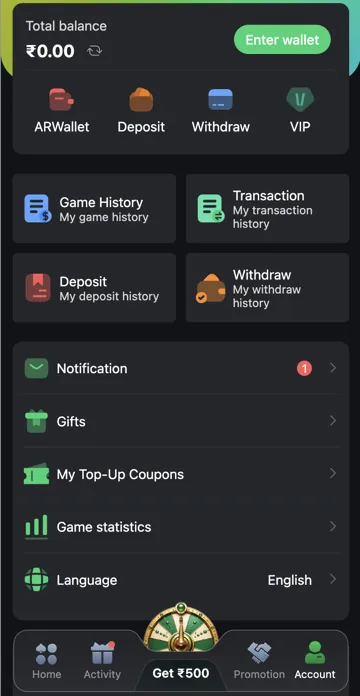
Check the balance and records
Open Account to review Total balance and wallet options. Compare recent deposits, game activity, rewards and withdrawals if the amount is different from what you expected.
Bonus and withdrawal balances
A reward can have usage or withdrawal conditions. Check the balance type and offer terms before treating it as money available for withdrawal. For a mismatch, keep the relevant record reference rather than making another payment to test the balance.
Total balance versus Withdrawable balance
Total balance is in Account, while Withdraw lists its own available amount. A coupon is stored separately in My Top-Up Coupons. These labels matter because the same number should not be assumed to represent unrestricted cash in every place.
Trace a change in the right order
Check the relevant deposit, game, reward or withdrawal reference, then compare the balance movement. For a gift, determine whether the reward was cash or a coupon. If a transaction is pending, keep that status in the explanation rather than treating it as a completed credit or debit.
Related account help
Need more help?
Read the related articles below for more Veer Game account help. For a website correction, email trendzcollab08@gmail.com with the page address and a short explanation. Do not include passwords, verification codes or bank details.
External account access
These buttons open the external platform. Trendz Collab does not manage your account.

Written by Vacky
Vacky is a Trendz Collab writer with 10 years of content-writing experience. His topics include Veer Game login, registration, the app and game categories. Read our editorial approach.