Find transaction records
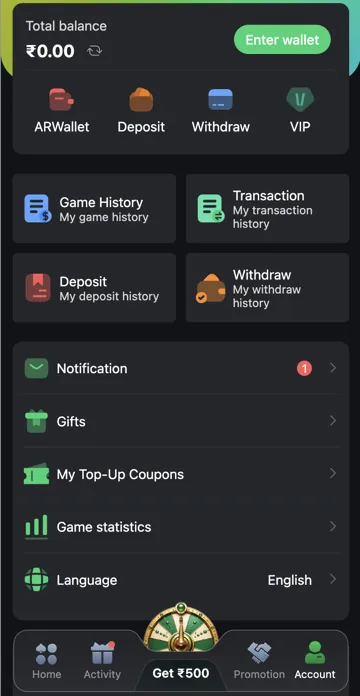
Open Account and choose Transaction History. For a specific recharge or withdrawal, also check the dedicated Deposit History or Withdraw History option.
Compare the details
Match amount, date, reference and status with the relevant bank or wallet record. Pending, failed and completed mean different things. Keep the transaction reference when asking account support about a mismatch.
Choose the matching history shortcut
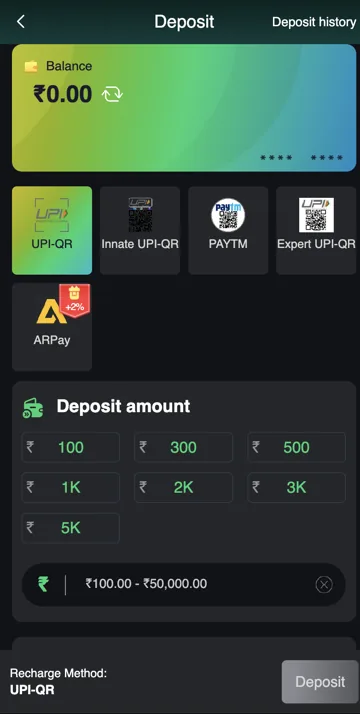
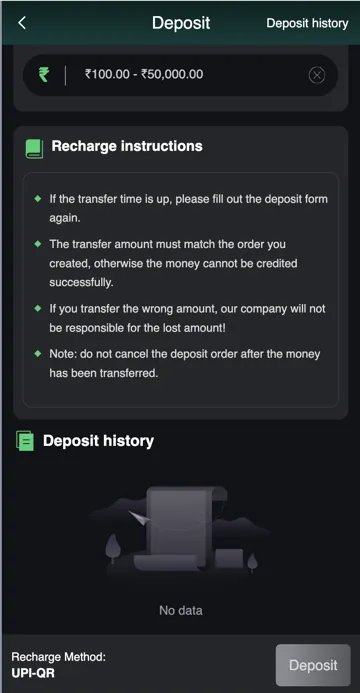
Account provides Transaction, Deposit and Withdraw shortcuts separately. Use the general transaction list for balance movements, then the dedicated history for an order’s status. Game History is the appropriate starting point for a round rather than a recharge order.
Do not count one event twice
A payment and a bonus linked to it can appear as separate changes. Check the reference and type before adding amounts together. When a number looks wrong, trace the specific event rather than assuming the total balance is the only record support can use.
Related account help
Need more help?
Read the related articles below for more Veer Game account help. For a website correction, email trendzcollab08@gmail.com with the page address and a short explanation. Do not include passwords, verification codes or bank details.
External account access
These buttons open the external platform. Trendz Collab does not manage your account.

Written by Vacky
Vacky is a Trendz Collab writer with 10 years of content-writing experience. His topics include Veer Game login, registration, the app and game categories. Read our editorial approach.