Check your login details
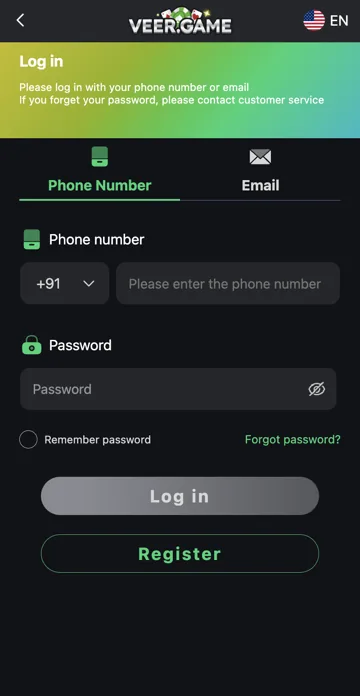
Choose phone or email to match your account. Check the country code, typing and any saved password. If you changed your password recently, update the password manager entry before trying again.
If the page or account is unavailable
Check the connection and try an updated browser if the page fails to load. Use Forgot Password for a forgotten password. For an account restriction, keep the exact message and contact support through an established route rather than guessing repeatedly.
Check one cause at a time
First confirm Phone Number or Email, then the account identifier, then the current password. Changing all three together makes it harder to know which entry was wrong. Check an old browser-saved password after a reset, and avoid repeatedly submitting a password you already know is outdated.
When to use recovery
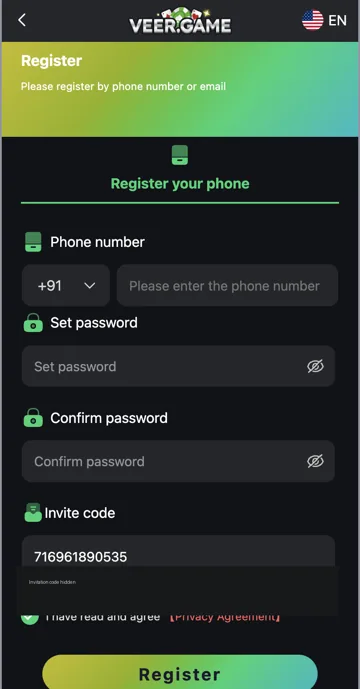
Use Forgot password if the password is forgotten, rather than opening Register. If a verification code is the problem, check its delivery separately. For a restriction or unknown account error, keep the exact message and use support; do not trust someone who promises an unlock in exchange for your OTP.
Related account help
Need more help?
Read the related articles below for more Veer Game account help. For a website correction, email trendzcollab08@gmail.com with the page address and a short explanation. Do not include passwords, verification codes or bank details.
External account access
These buttons open the external platform. Trendz Collab does not manage your account.

Written by Vacky
Vacky is a Trendz Collab writer with 10 years of content-writing experience. His topics include Veer Game login, registration, the app and game categories. Read our editorial approach.