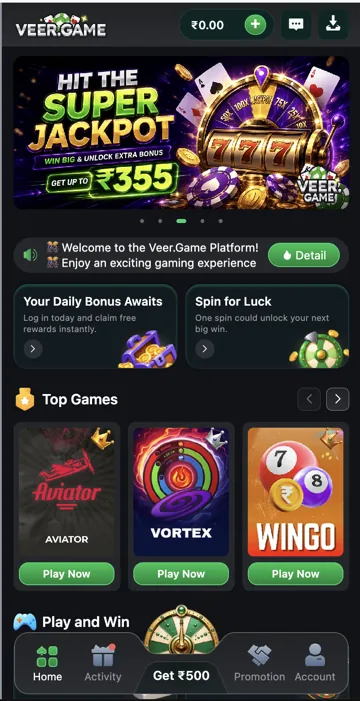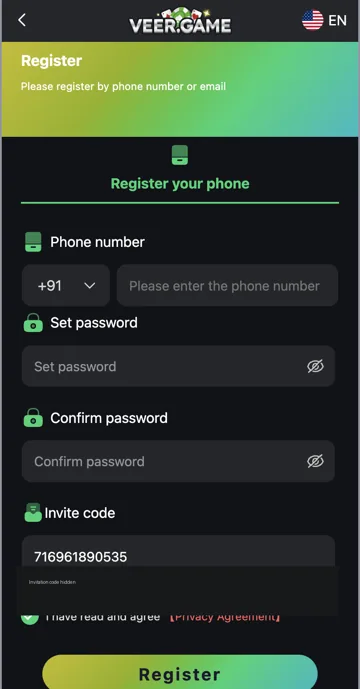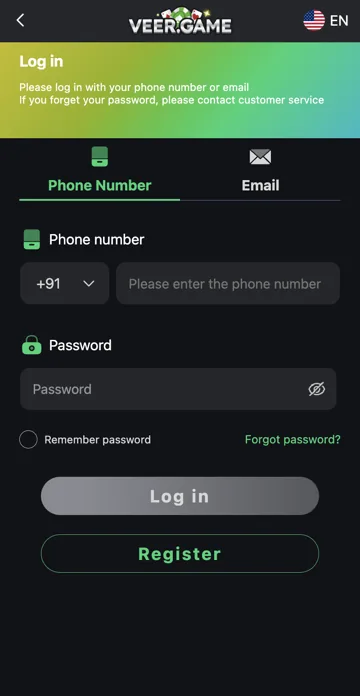
Browser access
Browser access opens the Veer Game website without installing an Android package. A home-screen shortcut may still use the browser. Keep the full address available when checking where you are signing in.
Android app access
An APK installs software on the device and may request permissions or separate updates. Check the developer and package information before installing it. Neither browser access nor an app guarantees that a service is lawful or safe to use.
A shortcut can still be a website
Adding a page to a phone’s home screen can create an icon that opens the browser or a web experience. That icon alone does not prove that an Android package was installed. Check the address and how it opens before following app-specific troubleshooting.
Decide what problem you are fixing
For a page that will not load, check the browser and connection. For a package that will not install, check Android requirements and file integrity. For a deposit record mismatch, check history and the payment reference. Switching between app and browser is not a substitute for tracing a transaction.
Related account help
Need more help?
Read the related articles below for more Veer Game account help. For a website correction, email trendzcollab08@gmail.com with the page address and a short explanation. Do not include passwords, verification codes or bank details.
External account access
These buttons open the external platform. Trendz Collab does not manage your account.

Written by Vacky
Vacky is a Trendz Collab writer with 10 years of content-writing experience. His topics include Veer Game login, registration, the app and game categories. Read our editorial approach.